

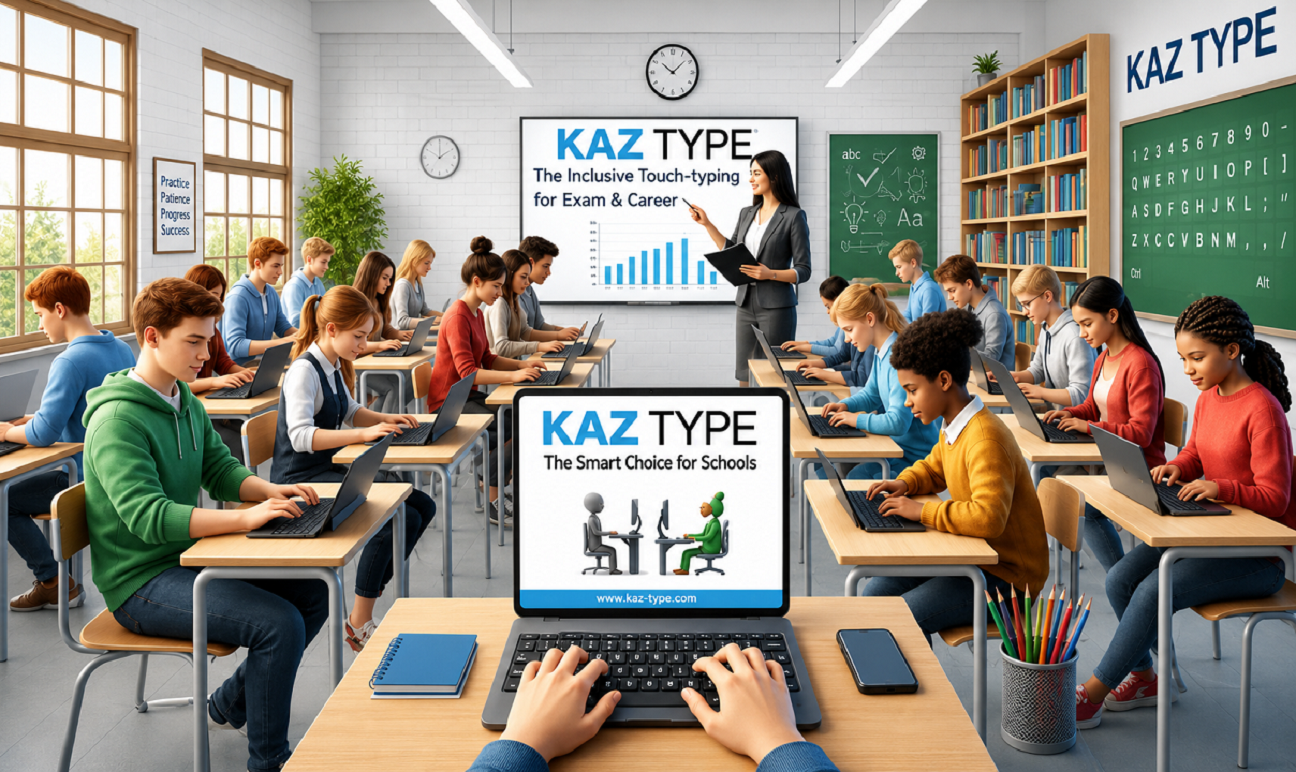
Learning to type at an early age can give children a valuable skill for schoolwork, creative projects, and everyday computer use. With the right teaching approach, keyboard practice can become an enjoyable learning experience rather than a boring task. The Junior touch typing program from KAZ is designed to help children develop typing skills through engaging lessons and an accelerated learning method.
KAZ Junior Edition is suitable for children aged 6–11 and focuses on making touch typing easy, fun, and accessible. By introducing correct finger movements early, children can begin developing keyboard confidence while supporting important literacy skills.
Why Introduce Touch Typing Early?
Children regularly use computers for educational activities, assignments, and writing. Learning to type correctly can help them become more comfortable using a keyboard as their digital skills develop.
A structured typing course can support:
- Reading skills: Practising with letters and words can reinforce familiarity with written language.
- Writing development: Children can focus more on expressing their ideas instead of searching for keys.
- Spelling practice: Repeated finger movements can help associate familiar words with keyboard patterns.
- Keyboard confidence: Learning correct finger placement can make computer tasks feel easier.
- Independent learning: Developing a practical typing skill can encourage children to work more comfortably on digital assignments.
What Makes KAZ Junior Edition Different?
KAZ combines a child-friendly learning experience with features designed to keep young learners engaged.
- Suitable for ages 6–11: Designed specifically for younger learners.
- Accelerated Learning: A unique teaching method aims to make the learning process faster and more effective.
- Fun and engaging lessons: Encourages children to practise without making typing feel like a chore.
- No boring repetitive exercises: The course is designed to avoid long, monotonous practice sessions.
- Muscle Memory Builder Challenge: An additional challenge helps children reinforce their developing finger movements.
- Safe and secure learning: Provides parents with greater peace of mind when choosing an online typing course.
- Award-winning software: KAZ Junior Edition combines its teaching approach with an engaging learning experience.
Learning Through Practice and Familiarity
The earlier children begin developing a skill, the more opportunity they have to practise and improve over time. A Junior touch typing program can introduce correct keyboard habits before children become too dependent on inefficient typing techniques.
With consistent practice, children can gradually become more familiar with finger placement and keyboard movements. This can help them type more comfortably while working on school assignments, stories, and other written projects.
Touch typing can also complement literacy development by connecting letters, words, and physical keyboard movements. Although every child learns at a different pace, an engaging and structured course can make the process more approachable.
Give Your Child a Confident Start
Choosing the right Junior touch typing program means finding a course that balances effective teaching with a positive learning experience. KAZ Junior Edition combines accelerated learning, engaging activities, and a muscle-memory challenge to help children build practical keyboard skills.
Parents looking for a child-friendly way to introduce touch typing can explore KAZ Junior Edition for ages 6–11 and help their children take the first steps toward more confident, independent keyboard use.
Ready to get started? Explore KAZ Junior Edition and give your child an enjoyable introduction to touch typing.

